Table of contents
- Finding your electricity meter
- How to read a digital electricity meter
- How to read an old dial meter
- Checking units on your LESCO meter
- Comparing the meter with your bill reading
- What to do if the meter reading looks wrong
- Signs your meter itself may be faulty
- Keeping a simple meter log
- The bottom line
- Frequently asked questions
- How do I read my LESCO meter?
- How do I read a digital electricity meter?
- How do I check units on a LESCO meter?
- What should I do if my meter reading looks wrong?
- What do peak and off-peak readings mean on a meter?
Knowing how to read LESCO meter readings yourself is the easiest way to catch billing mistakes and keep your monthly units under control. It takes less than a minute once you know where to look. This guide shows you how to find your meter, read both digital and older dial meters, compare the reading with the one printed on your bill, and what to do if the numbers do not match.
This is an independent guide, not an official LESCO document. Meter models vary, so if your meter looks different from the descriptions below, the reading on your bill and the advice of your LESCO subdivision office come first.
Finding your electricity meter
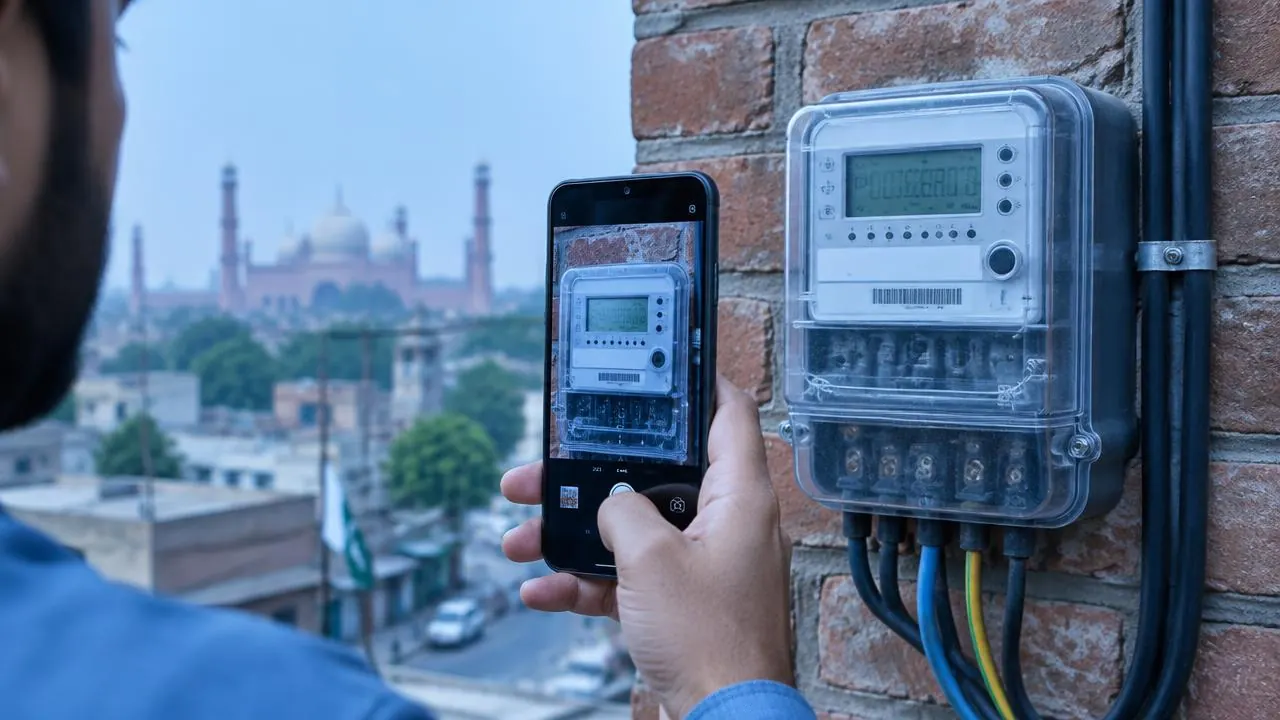
Most LESCO meters are installed on an outside wall, near the main gate, in a meter box at the front of the house, or in a shared meter room in apartment buildings and plazas. If several meters are installed together, match yours using the meter number printed on your bill. The meter number is usually written on a sticker or plate on the meter body.
Do not open sealed meter boxes or touch wires. You only need to see the display. If the meter is behind glass, wipe the glass and read from straight in front to avoid misreading the digits.
How to read a digital electricity meter
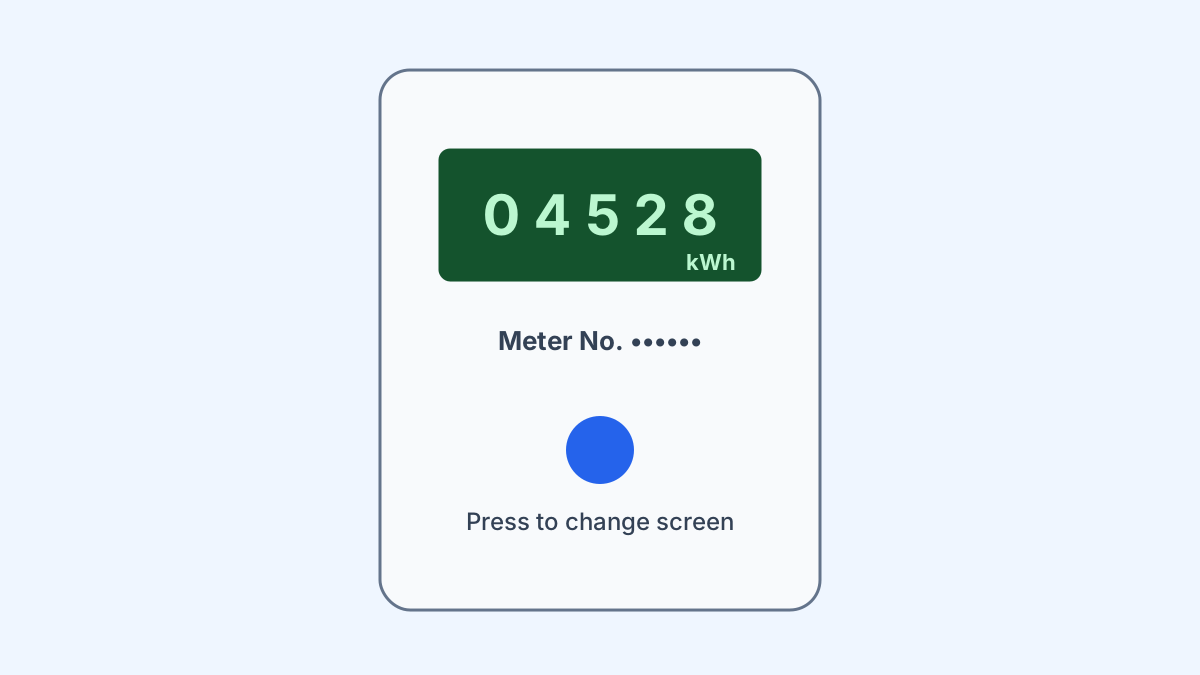
Most newer LESCO connections have a digital (electronic) meter. Instead of one fixed number, a digital meter scrolls through several screens: date, time, total energy, and sometimes voltage, load or peak and off-peak values.
- Watch the display until it shows the total energy screen, usually marked with kWh.
- Write down the full number, including leading digits. Ignore any digits after a decimal point unless your bill shows them.
- If the meter has a button, pressing it may move to the next screen. Keep pressing until the kWh reading appears.
- Take a photo so you have a dated record.
If your connection is on time-of-use billing, the meter will also show separate peak and off-peak readings. Your bill lists both. Our LESCO peak hours guide explains when each window applies.
How to read an old dial meter
Some older connections still have a mechanical meter with a row of number wheels or small clock-style dials.
- Number-wheel meters: read the digits from left to right, like a car odometer. If a wheel is between two numbers, use the lower one.
- Clock-dial meters: read each dial from left to right. If the pointer sits between two numbers, write the lower number. Neighbouring dials turn in opposite directions, so check each one carefully.
Mechanical meters are slower to read accurately, so take your time and photograph the dials so you can check your work later.
Checking units on your LESCO meter
A single reading only tells you the total recorded since the meter was installed. To see how much electricity you actually use, compare two readings:
- Note the reading today, with the date.
- Note the reading again after a few days or a week.
- Subtract the first reading from the second. The result is the units used in that period.
Doing this weekly is a simple way to stay within a target such as 200 units a month. Our guide to keeping electricity units below 200 shows how families plan around that limit.
Comparing the meter with your bill reading
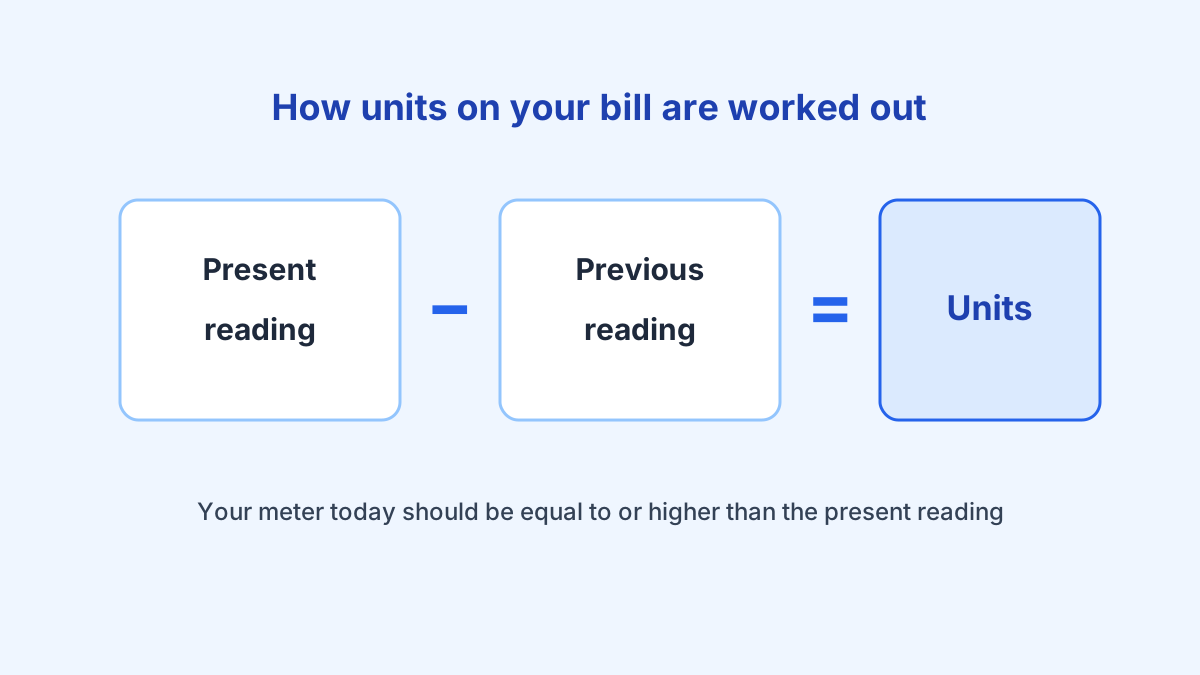
Every LESCO bill prints a previous reading, a present reading and the units billed, which is the difference between the two. To check your bill:
- Find the present reading and reading date on the bill.
- Look at your meter. Because you keep using electricity after the reading date, your meter should now show a number equal to or higher than the present reading on the bill.
- If the bill’s present reading is higher than what your meter shows today, the bill may be over-read.
Our detailed LESCO meter reading guide explains each field on the bill and how estimated readings work.
What to do if the meter reading looks wrong
If the reading on your bill does not match your meter, act quickly so the issue can be checked before the due date:
- Take a clear photo of the meter display showing the kWh reading. Include the meter number in the frame if possible.
- Note the date and time of the photo.
- Compare it with the present reading on the bill and note the difference.
- Register a LESCO complaint for wrong reading, and keep your complaint number.
- Follow up with your subdivision office if the complaint is not resolved, taking your photo and bill with you.
You can also call the LESCO helpline on 0800-00118 for billing questions. Keep paying what you reasonably can while the complaint is checked, because unpaid amounts still attract the late payment surcharge.
Signs your meter itself may be faulty
Very occasionally the meter, not the reading, is the problem. Warning signs include a blank or flickering display, units rising when everything in the house is switched off, or a sudden jump in units with no change in your usage. In these cases, report a faulty meter through the same complaint channel and ask for a meter check. Do not try to repair or open the meter yourself.
Keeping a simple meter log
A meter log is just a list of dates and readings, kept in a notebook or a phone note. Write the reading on the same day each week, for example every Sunday morning, and note anything unusual that week: guests, a new appliance, a hot spell or long power cuts. After a month or two you will know your normal weekly units, and any jump will stand out immediately.
A log also helps you understand your bill. When the bill arrives, compare the units billed with the units in your log for the same period. If they are close, your bill is consistent with your usage. If the bill is much higher, look at the reading dates first, because a longer billing period naturally means more units. If the dates match and the gap is still large, you have clear evidence to support a complaint.
You can turn your units into an estimated rupee amount with our LESCO bill calculator. It is a quick way to see whether cutting a few units a week is enough to stay in a lower slab.
The bottom line
Reading your LESCO meter is quick: find the kWh reading, write it down with the date and compare it with the present reading on your bill. Weekly readings help you control units, and a dated photo is your best evidence if the bill ever looks wrong.
Frequently asked questions
How do I read my LESCO meter?
Find the meter, note the kWh reading on the display (or the digits on a dial meter), and compare it with the present reading printed on your bill. The difference between two readings is the units you used.
How do I read a digital electricity meter?
Digital meters cycle through several screens. Wait for the screen showing total energy in kWh and write down the full number. Ignore screens showing date, time, voltage or load.
How do I check units on a LESCO meter?
Take a reading today and another one a few days later. Subtract the first from the second to see how many units you used in that period.
What should I do if my meter reading looks wrong?
Take a clear, dated photo of the meter, compare it with the bill's present reading and register a complaint with LESCO if the bill reading is higher than the meter.
What do peak and off-peak readings mean on a meter?
Time-of-use meters record peak and off-peak units separately. Your bill shows both, and the timings are explained on our peak hours page.
Comments
Discussion is coming soon. Subscribe to be notified when comments go live.